
Free Online PDF Tools for Everyday Documents
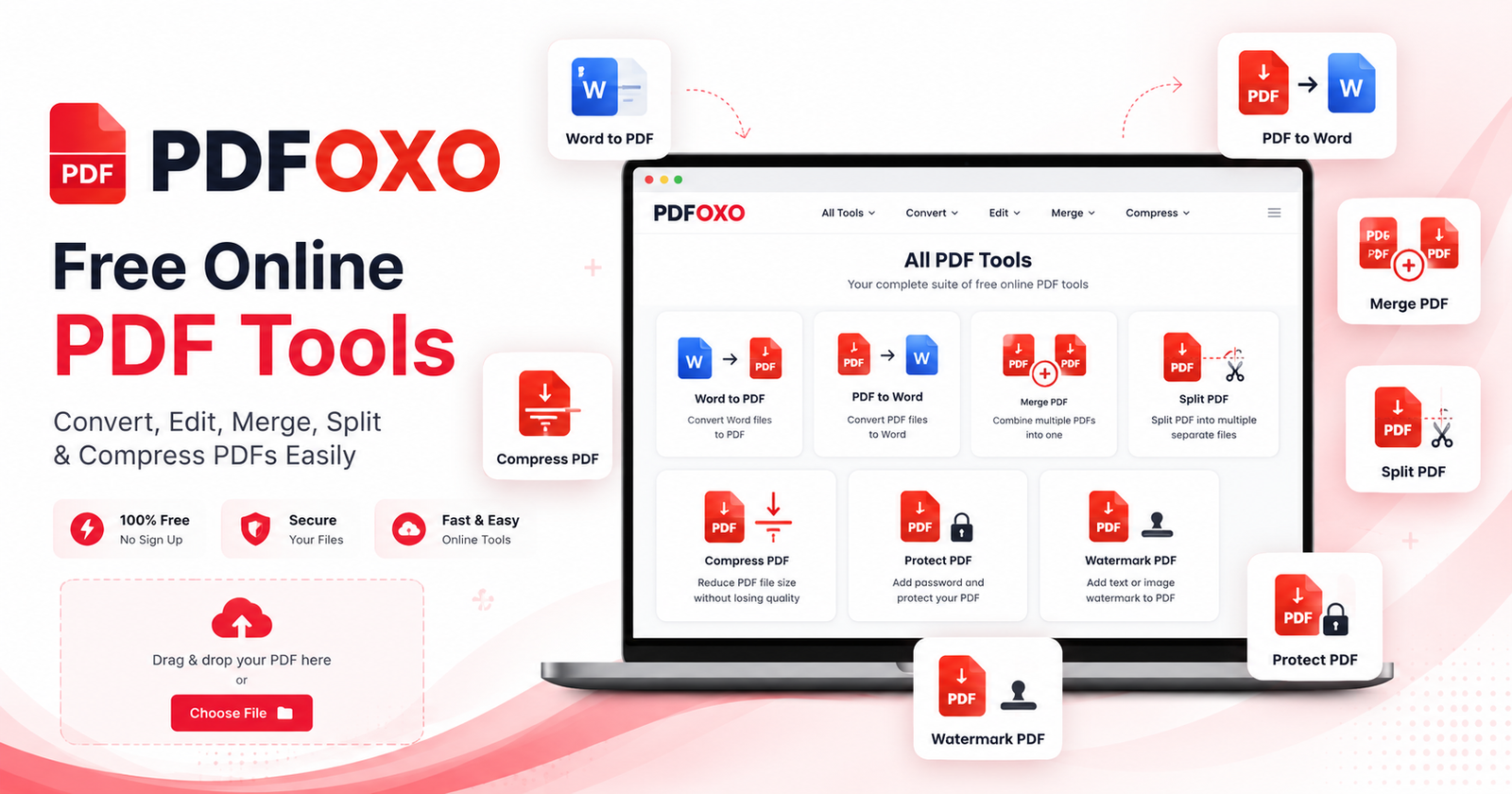
PDFOXO gives you free online PDF tools to convert, edit, compress, merge, split, protect, unlock, and manage PDF files in one simple place. Whether you need to prepare a document for work, study, business, email, upload, or sharing, PDFOXO helps you complete common PDF tasks quickly from your browser. First, choose the tool you need. Then, upload your file and complete your task with a clean and easy online experience.
Many users work with PDF files every day for resumes, invoices, reports, assignments, contracts, proposals, forms, office documents, and personal files. Therefore, having a simple PDF tool website can save time and reduce extra work. With PDFOXO, you can use tools like Word to PDF, PDF to Word, PDF to JPG, Merge PDF, Split PDF, Rotate PDF, Compress PDF, Protect PDF, Unlock PDF, and Watermark PDF without installing heavy software.
In addition, PDFOXO is designed for mobile, tablet, laptop, and desktop users. As a result, you can manage PDF files from almost any device. However, the final result may depend on the original file type, size, and quality. For example, scanned PDFs, image-heavy documents, and protected files may need different tools or extra processing. Still, PDFOXO keeps the process simple, fast, and user-friendly for daily document needs.
What You Can Do with PDFOXO
- Convert Word files to PDF for easy sharing and printing.
- Convert PDF to Word when you need editable document content.
- Compress PDF files to reduce file size for email or upload.
- Merge, split, rotate, protect, unlock, and watermark PDF files.
- Use free online PDF tools from mobile, tablet, laptop, or desktop.
Start with Popular PDFOXO Tools
Browse all tools on PDFOXO PDF Tools, convert editable files with Word to PDF, turn PDFs into editable documents with PDF to Word, reduce file size with Compress PDF, or add branding with Watermark PDF.
Simple PDF Tools, Built for Fast Work
PDFOXO is made for users who want a clean, simple, and fast way to work with PDF files online. Instead of searching for separate tools, you can use one platform for common PDF tasks. Therefore, PDFOXO is useful for students, office users, freelancers, teachers, businesses, and anyone who handles digital documents regularly.
Explore Free PDF ToolsFree Online PDF Tools FAQs
What is PDFOXO?
PDFOXO is an online platform that provides free online PDF tools for converting, editing, compressing, merging, splitting, protecting, unlocking, watermarking, and managing PDF files.
Are PDFOXO PDF tools free to use?
Yes, PDFOXO provides free online PDF tools for common document tasks. You can use tools such as Word to PDF, PDF to Word, PDF to JPG, Merge PDF, Split PDF, Compress PDF, and more.
Which PDF tools are available on PDFOXO?
PDFOXO includes tools for PDF conversion, PDF editing, PDF compression, PDF merging, PDF splitting, PDF protection, PDF unlocking, PDF rotation, and PDF watermarking.
Can I use PDFOXO on mobile?
Yes, PDFOXO works on mobile, tablet, laptop, and desktop browsers. As a result, you can manage PDF files from different devices without installing extra software.
Why should I use free online PDF tools?
Free online PDF tools help you save time because you can complete common document tasks directly in your browser. Therefore, you can convert, edit, compress, or manage files more easily.
Can PDFOXO help with business documents?
Yes, PDFOXO tools are useful for invoices, reports, contracts, proposals, quotations, forms, resumes, assignments, and other business or personal documents.
Helpful Resources
Explore all free document tools on PDFOXO PDF Tools. Also, for business and construction service information, visit Core Cutting Services.