
Compress PDF Online Free Tool
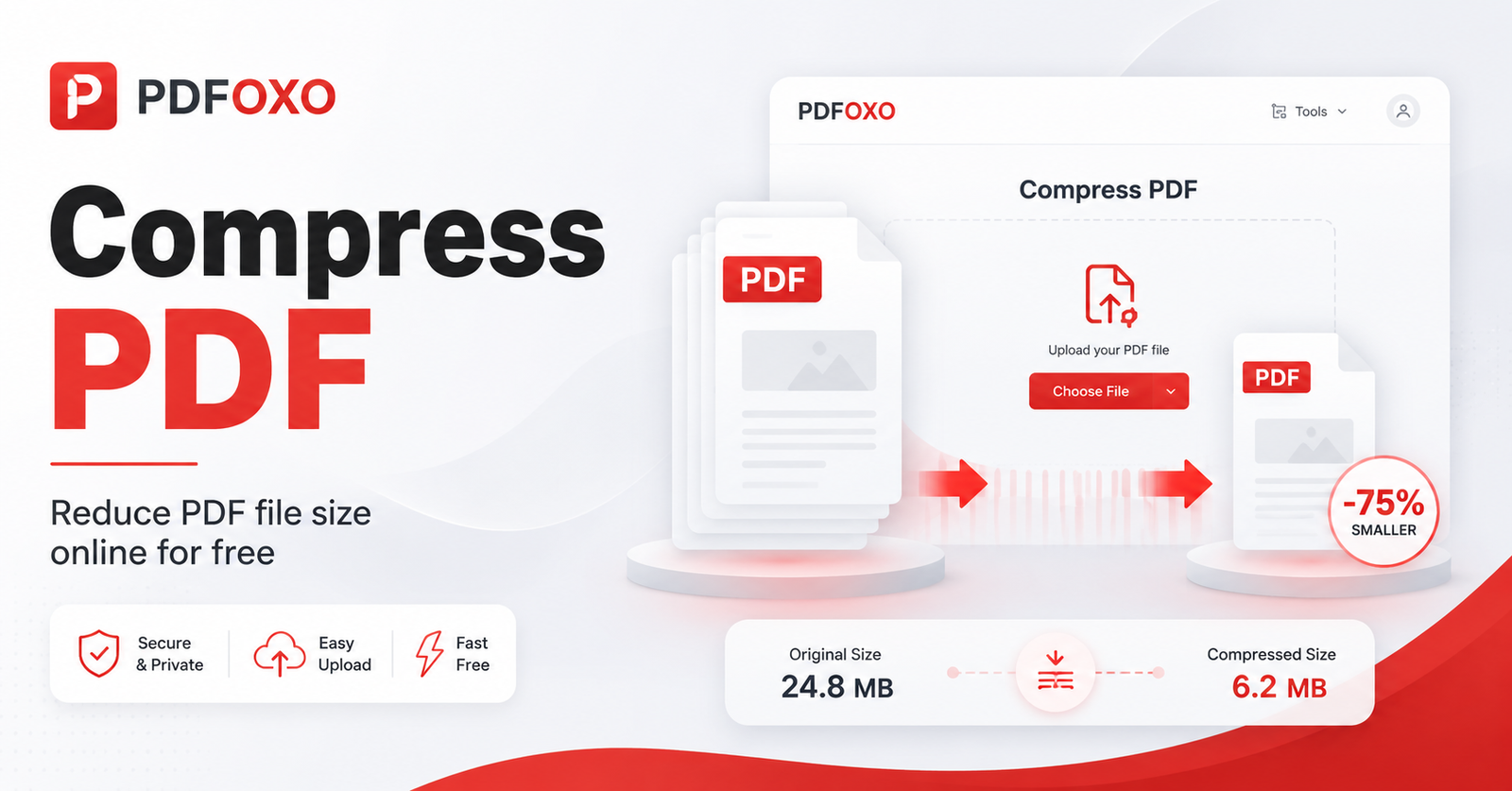
Compress PDF online free with PDFOXO and reduce the size of your PDF files quickly. This free PDF compressor helps you make large PDF documents smaller for email, upload, sharing, and storage. First, upload your PDF file. Then, use the compression tool to reduce the file size. After that, download your smaller PDF file and use it wherever you need.
Large PDF files can be difficult to send through email or upload to websites. Therefore, using a PDF size reducer can save time and make document sharing easier. This tool is useful for students, office users, freelancers, businesses, teachers, and anyone who works with PDF documents. Also, it can help with resumes, invoices, reports, assignments, forms, contracts, proposals, and scanned PDF files.
Our compress PDF online free tool is designed to be simple, clean, and user-friendly. In addition, PDFOXO works on mobile, tablet, laptop, and desktop browsers, so you can reduce PDF file size from any device. However, the final file size and quality can depend on the original PDF. For example, image-heavy or scanned PDFs may compress differently compared to text-based PDF documents.
Why Use Our Compress PDF Online Free Tool?
- Compress PDF files online for free.
- Reduce PDF file size for email, upload, and sharing.
- Make large PDF documents smaller and easier to handle.
- Useful for resumes, reports, invoices, assignments, and business documents.
- Works on mobile, tablet, laptop, and desktop browsers.
Compress PDF FAQs
What is a compress PDF online free tool?
A compress PDF online free tool helps reduce PDF file size without complicated steps. It is useful when your PDF is too large to email, upload, share, or store easily.
Is PDFOXO Compress PDF Tool free?
Yes, PDFOXO Compress PDF Tool is free to use. You can upload your PDF file, reduce its size, and download a smaller PDF for sharing or uploading.
Why should I reduce PDF file size?
Reducing PDF file size makes your document easier to send, upload, and store. It is especially helpful when email services, websites, or online forms have file size limits.
Does compressing a PDF reduce quality?
Compressing a PDF may reduce file size by optimizing images and document data. However, the goal is to keep the PDF readable while making the file smaller.
Can I compress PDF files for email?
Yes, a compressed PDF is usually easier to attach to emails because the file size is smaller. Therefore, it can help when your document is too large to send.
Can I use this PDF compressor on mobile?
Yes, PDFOXO Compress PDF works on mobile, tablet, laptop, and desktop browsers. As a result, you can reduce PDF file size from almost any device.
Helpful Resources
You can explore more free tools on PDFOXO PDF Tools. Also, for business and construction service information, visit Core Cutting Services.